Mazteck VIP Executive Walkthrough
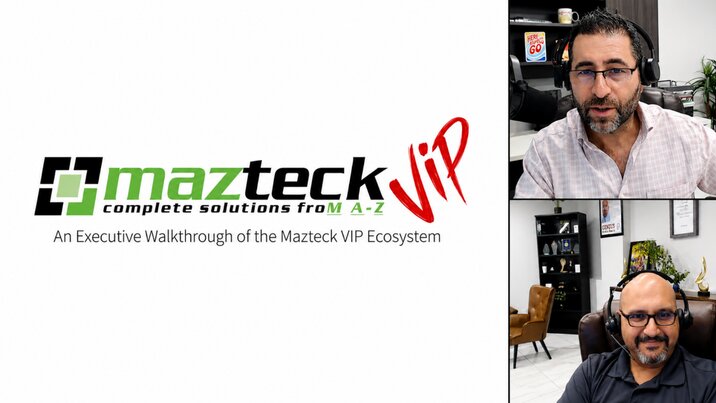
In this Mazteck VIP executive walkthrough, Mario and Steve give viewers a complete look at the Mazteck VIP ecosystem — a portal of custom applications designed exclusively for Mazteck clients.
The session highlights all five VIP platforms:
- Better Tracker— Expense tracking and AI-powered contract management HR Platform— Centralized employee records, performance reviews, and corrective action documentation
- Policies Platform — Secure storage and distribution of company policies and compliance frameworks
- Licensing Platform — Complete Microsoft 365 visibility, license optimization, and device management
- Onboarding & Offboarding Platform — Simplifies employee setup and removal, helping ensure every step is completed securely and consistently.
Together, these platforms help improve efficiency, reduce costs, and simplify day-to-day operations — all at no additional cost to Mazteck clients.
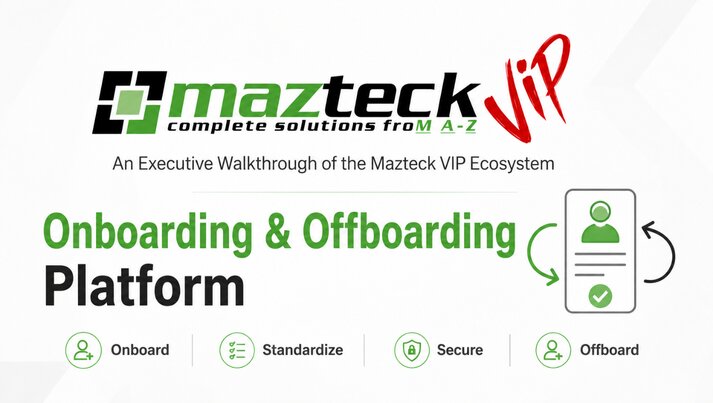
Onboarding & Offboarding Platform — Managing the Employee Lifecycle
Eliminate the manual, error-prone steps of bringing employees on and off — standardize every transition and protect your organization automatically.
- Standardized New Hire Setup — Eliminate human error by ensuring every new team member has exactly what they need on Day One
- Template-Based Onboarding — Select a department template (e.g., Finance, Sales) and auto-assign the correct Microsoft 365 licenses, apps, and hardware
- Mirror Group Memberships — Instantly replicate license settings and group memberships from existing users
- Immediate or Scheduled Offboarding — Execute offboarding the moment a tech approves it, or automate the timeline for a specific date and time
- Account Disabling & Access Revocation — Automatically disable accounts and revoke Microsoft 365 access
- Security Tool Removal — Remove devices from SentinelOne, ThreatLocker, and NinjaOne as part of the offboarding workflow
- License Recovery — Automatically recover licenses upon employee departure without manual coordination
Licensing Platform — Complete Visibility & Asset Management
Full control over your Microsoft 365 environment and all company devices — eliminate waste, right-size licenses, and know every asset in your network.
- Complete Microsoft 365 Visibility — Track assigned users, monitor active subscriptions, and manage Microsoft licensing directly through the platform
- Direct License Purchasing — Purchase licenses without leaving the platform
- Real-Time User Assignments — Monitor who has what license at any given moment
- License Optimization — Automatically analyze your environment to identify unused licenses, uncover optimization opportunities, and recover seats ahead of renewals
- Live Device Inventory — Maintain a dynamic, real-time inventory of all company devices (Windows & Mac) with updates whenever assets are added or removed
- Assigned User Verification — Confirm which user is tied to which device for easy management and accountability
HR Platform — Modern Human Resources Management
A secure, centralized hub for managing every aspect of your workforce — from hiring to performance to compliance.
- Centralized Employee Directory — Manage employee records, job descriptions, and documentation from one secure dashboard
- Active Position Tracking — Maintain visibility into open and filled roles across your organization
- Security Enforcement — Track and enforce security standards such as MFA status directly from the HR platform
- Standardized Performance Reviews — Build reusable performance review templates with custom and built-in criteria; ensure every employee is evaluated consistently against established standards
- Manager Approvals & Acknowledgements — Track manager sign-offs and employee acknowledgements entirely within the platform
- Counseling & Corrective Action Documentation — Create and store Verbal Warnings, Written Warnings, Performance Improvement Plans (PIPs), Suspensions, and Final Warnings
- Audit-Ready Records — Maintain a complete, auditable documentation trail for all employee conduct and corrective actions
Policies Platform — The Centralized Policy Library
A secure, organized repository for all company policies — ensuring your team always has access to the most current guidelines.
- Centralized Policy Storage — Store, distribute, and manage all company policies from one secure, centralized repository
- Always Up-to-Date — Ensure every team member always has access to the latest version of every policy
- Security Policies — Manage and distribute information security policies across the organization
- AI Acceptable Use Policies — Maintain and enforce policies governing the responsible use of AI tools
- Compliance Guidelines — Organize and distribute frameworks and compliance documentation
- Employee Acknowledgements — Track and record employee sign-off on policies for full audit visibility

